Whimsical Camera Exercise
Rochester Institute of Technology | 08/2025 - 12/2025
Key Points
- Created a mobile mockup of a “whimsical children’s camera” based on a short student prompt
- Gained experience in the design process - developing a short prompt into a refined idea and appearance
- Gained experience in 3D interactive design using Spline
- Applied Figma animations to create a novel interactive experience
Overview
This exercise was part of my Graphic User Interface class in the fall of 2025. We were organized into groups of three, and directed to create short design briefs to pass to another group. The professor stipulated that the only thing required for the design brief was that it had to be related to a button. There are a lot of different uses for buttons in a user interface, so people got creative.
The group we received briefs from would serve as our “client” for the designs we created. After a group brainstorming session, a round of sketches, and initial prototyping and critique, the final designs were presented to the client group for a “user test” where they would provide feedback on the user experience.
Group Prompts & Ideation
When our group recieved our three button-related prompts, we decided to break it up so that each member did one prompt individually. The prompt I chose was as follows:
“Redesign the basic camera button to be suitable for children, this would be in an imaginary app that is specifically for nosy kids who wanna play in yo phone. (2-6 yrs)“
I spent the first working period brainstorming what exactly a “children’s camera app” would look like, and how it would differ from a normal camera app. The “camera app” prompt itself affords a very sparse interface, at its simplest just the camera view and a “shutter/record” button. I wanted to challenge myself to take this simple formula and convey it with as much whimsy and childlike joy as I possibly could.
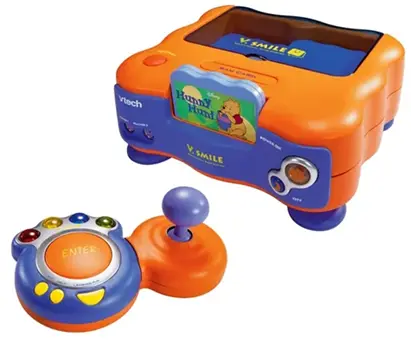
I figured the best way to do this would be to draw from design patterns of other products made for children. In particular I thought back to my own childhood, playing Alphabet Park on the VTech V.Smile. I collected a series of images of children’s physical toys and screenshots of digital interactive games meant for kids, and built a quick moodboard conveying the aesthetic I wanted to bring forward.
Design & Prototyping
I knew that I wanted to take the skeuomorphic angle for the UI elements of this design. Round, glossy plastic and big light-up buttons, oversized physical controls to convey simple, pure joy. Boiling down the mobile camera interface to its simplest form, I opted to just include a shutter button and a method to zoom in and out.
The function of the shutter button is straightforward, but I wanted to to something different with the zoom function. Instead of a two-finger pinching motion anywhere on the screen, I wanted to create a big silly gear/dial that rotated around the shutter button to change zoom. This is in part to engender maximum whimsy and partly a product of my photography experience, as a shutter button/analog dial combination is a pretty common interface element on cameras.
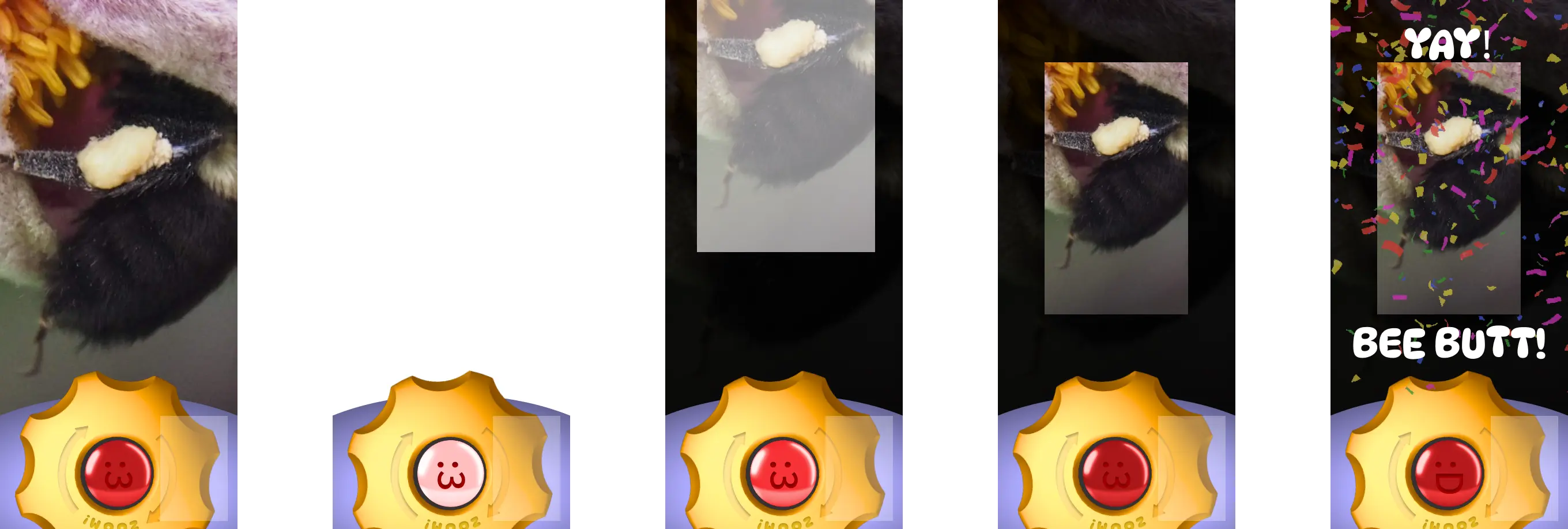
At first I created a Figma mockup using simple vector objects to ensure that the concept would play well with Figma’s animation features. After gathering feedback from peers and getting the dial to animate properly, I went into Spline to create 3D versions of the button and dial with proper lighting and textures. I then exported the 3D objects as flat .PNG files back into Figma, added some markings with inner shadows, implemented the animation, and added my own photo with a silly little sequence once you press the shutter button.
Critique & Takeaways
The critique with the “user group” of students who gave us the prompts went well. My other group members did some really impressive stuff based on their prompts, and mine got a lot of laughs and smiles which I really appreciated. I wanted to engender a sense of simple whimsy and joy and I think I was quite successful in that.
Taking an unclear prompt, exploring the possibility space, and creating a clear and strong vision out of the ambiguity is an important experience that I had during this exercise. I also got to practice using Figma’s animation features in a new way, and I was really happy with how the animations turned out. I think the dial animation in particular is a really fun little interaction that adds a lot of character to the design.
Design Artifacts
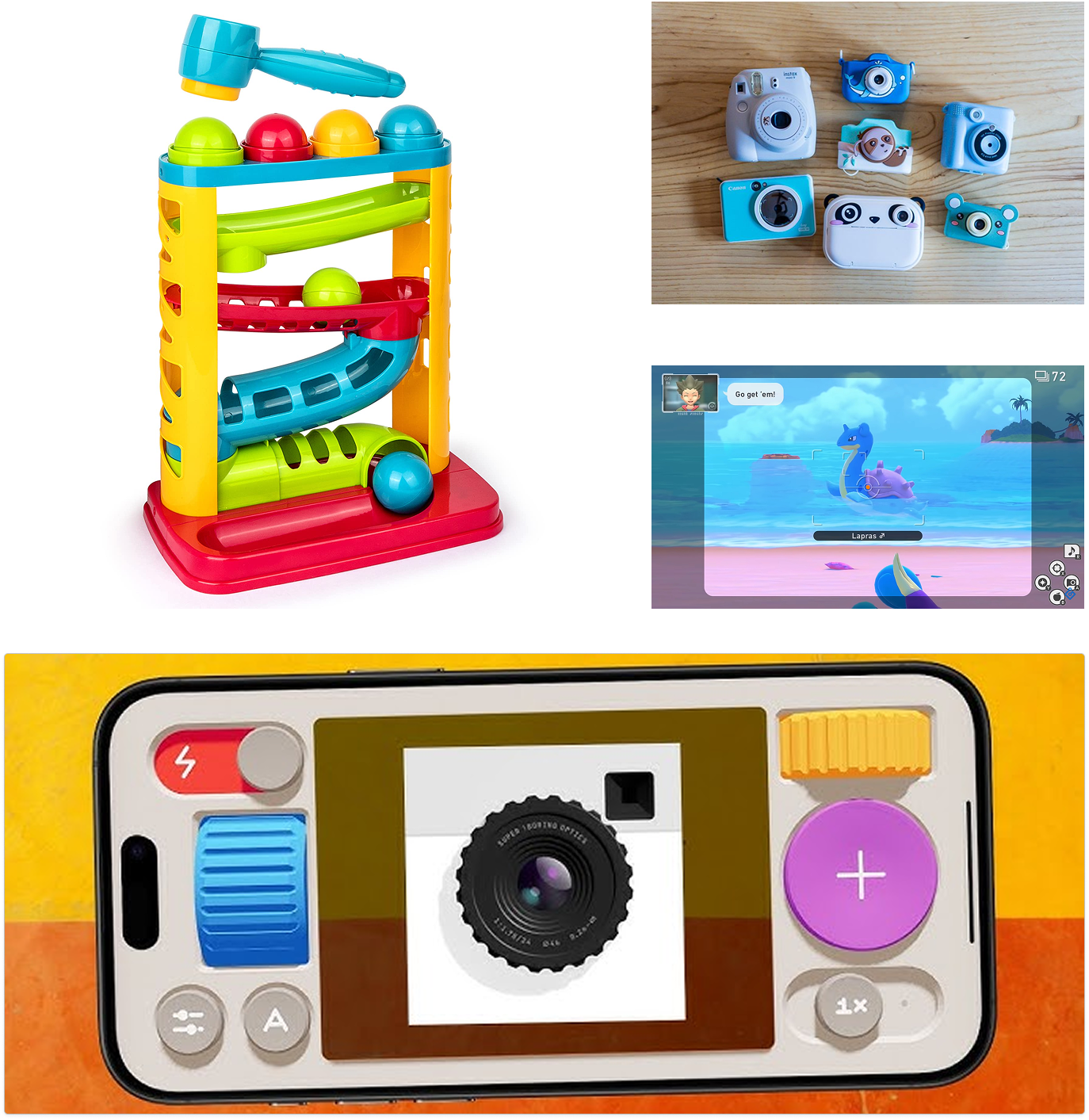 Moodboard of colorful toys and games guiding the children's camera aesthetic.
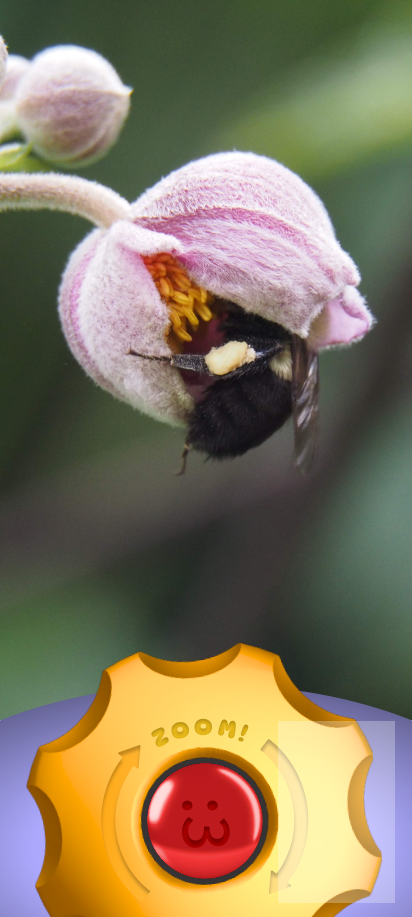 Final whimsical camera interface with a playful shutter and zoom control.
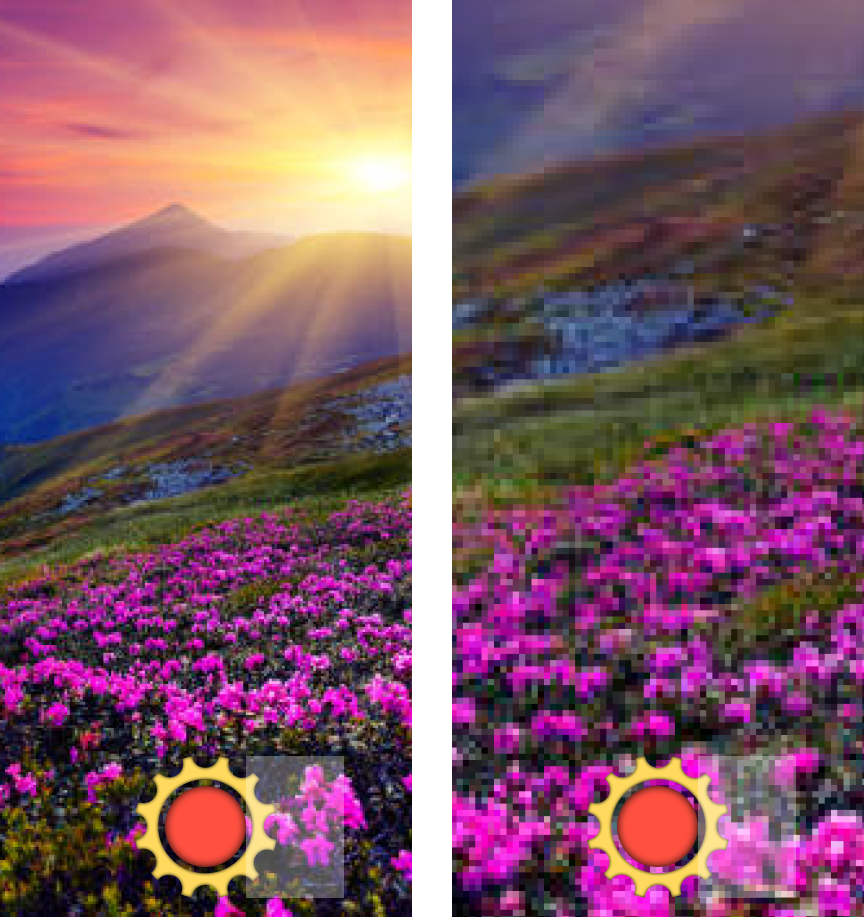 Initial camera interface exploring the app's layout and interaction model.Moodboard of colorful toys and games guiding the children's camera aesthetic.Final whimsical camera interface with a playful shutter and zoom control.